
How to Verify Your NaijaBet Account Easily
🔍 Learn how to verify your NaijaBet account step-by-step. Find out required documents, avoid common issues, and get tips for a smooth, hassle-free process today.
Edited By
Ifunanya Chukwu
If you've ever tried logging into your Naijabet account only to see the message "Your Details Weren't Recognised," you're not alone. This error is common among bettors who input their details but encounter verification problems. It can be frustrating, especially when you're eager to place a bet on the latest football match or enjoy other offerings on Naijabet. Understanding why this happens and how to fix it can save you time and get you back in the game quickly.
Why does Naijabet not recognise your details? There are several reasons:
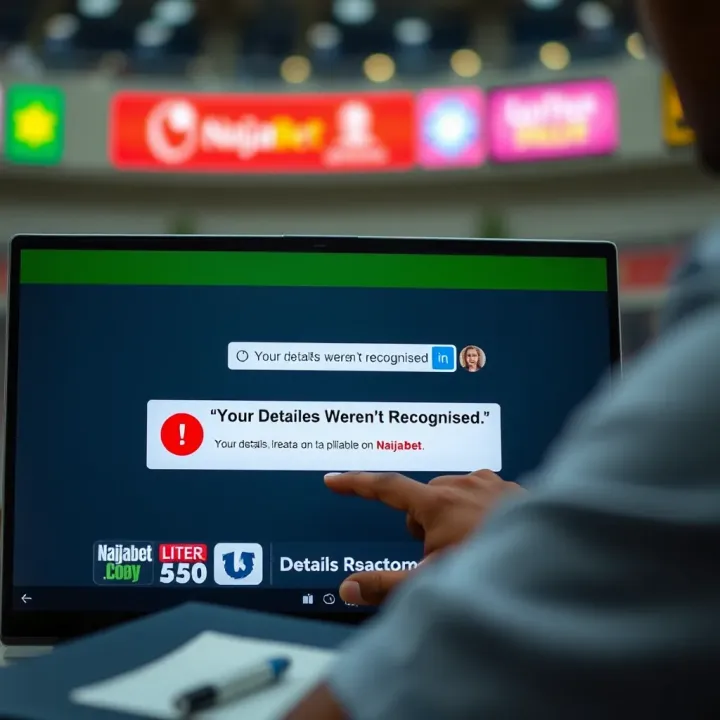
Wrong username or password: Simple typos or case sensitivity often cause login failures. If you usually swipe quickly on your phone, maybe you accidentally swapped letters or numbers.
Mismatch in registration information: Your details (like phone number, date of birth, or email) during login or registration may not exactly match what you used before. Even a small error, such as entering ‘0803’ instead of ‘0813’ for your phone prefix, will lead to this error.
Unverified account status: Sometimes your account is not fully verified. Naijabet requires certain documents or confirmation through email or phone number to make sure you're the rightful owner.
Technical glitches or server issues: Network interruptions or app updates can cause temporary recognition failures.
Remember, Naijabet has strict security measures to protect your account and funds. So, this message means the system is not confident about the details you provided.
To resolve this:
Double-check your login info: Make sure your username and password are entered correctly. Watch out for common mistakes like swapping letters or mixing up zeros and the letter ‘O’.
Confirm your registered details: If you forget which phone number or email you used, look for any welcome emails or texts from Naijabet. These can help you verify your original information.
Reset your password: Use the “Forgot Password” option to create a new password through your email or phone number linked to the account.
Verify your account fully: Complete any outstanding verification steps in your profile. Upload clear copies of your ID, proof of address, or BVN if required.
Update your contact details if changed: If you changed your phone number or email, reach out to Naijabet support to help update your information properly.
Getting these basics right should fix most “Your Details Weren't Recognised” errors. The next sections will explore each step in more detail along with troubleshooting tips.
When Naijabet displays the message 'Your Details Weren't Recognised,' it’s a signal that something's amiss with your login or registration information. This message can be frustrating, especially if you want to place your bets without delay. Knowing why this happens helps you fix the issue swiftly instead of guessing what went wrong.
For example, many users struggle with small errors like mistyping their phone number or email address, which leads to the site failing to recognise their profile. If you understand the common causes, you can quickly narrow down the problem and restore access. This section will break down the triggers of this error and explain Naijabet's verification methods, so you're better equipped to troubleshoot.
One of the main reasons for the ‘Details Not Recognised’ error is simply entering wrong information during login. This can involve typing the wrong password or using a phone number or email address not linked to any Naijabet account. Even a small typo – for instance, swapping digits in your phone number – can cause the system to reject your details.
Since Naijabet relies on exact matches, these mistakes are quite common. Say you registered with a phone number, but during login, you enter an email or variation of your number; the system won't find your details. It’s always worth double-checking your credentials or trying the password reset option linked to your registered contact.
If your account is not formally registered or has been blocked by Naijabet, you will see this error message. For instance, punters who only partially completed registration or stopped midway won’t have recognised accounts. Similarly, accounts blocked due to suspicious activity or violating terms will no longer be accessible.
This situation usually requires contacting Naijabet support to clarify the status or proceed with reactivation. Trying to log in without a full registration or after blocking will repeatedly lead to recognition errors.
Sometimes the information stored on Naijabet’s system differs from what you use during login. This might happen if you changed your phone number, email, or other personal details but did not update your profile accordingly. When the site checks your details, these mismatches prevent successful recognition.
For example, if you originally entered a particular phone number but later switched SIM cards without updating Naijabet, attempts to log in with the new number fail. Ensuring your profile information always matches your current contact details is essential to avoid this problem.
Naijabet primarily uses your phone number and email address as identifiers during login or registration. These details must be exact matches to what's on file. They serve as quick ways to find your account since most Nigerian users link their betting profiles to their mobile contacts.
For instance, if you registered with your MTN line, logging in with a different number from Glo or Airtel won’t work unless you’ve updated your profile. The system constantly crosschecks these identifiers to maintain account security and correctness.
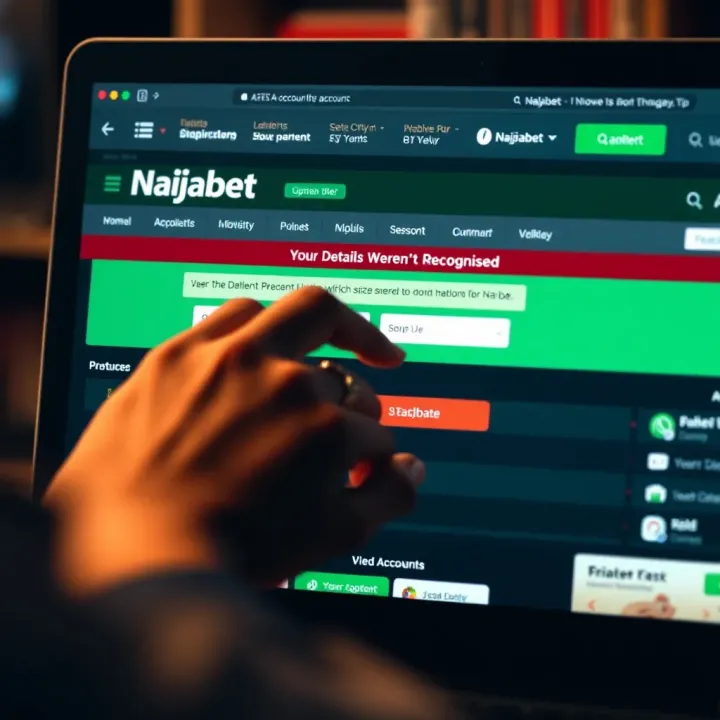
In some cases, Naijabet may request identity verification using documents such as a National Identity Number (NIN), driver's licence, or international passport. This step helps confirm the bettor’s identity and prevents fraud, especially when withdrawing winnings or accessing restricted features.
Submitting these documents ensures your account details match official records. If your documents don’t align with your provided contacts, the system may flag this mismatch, causing recognition errors.
Naijabet applies security checks to guard user accounts from unauthorised access. These include monitoring repeated failed login attempts, locking accounts after suspicious activities, and requiring verification steps when logging in from new devices.
For example, if you try logging in too many times with wrong credentials, Naijabet might temporarily block access for safety. Such measures, while sometimes inconvenient, protect your money and personal data from fraudsters.
Always keep your contact details updated and avoid sharing your login details to prevent security issues that lead to recognition errors.
Understanding these points gives you practical insights to explore when faced with the dreaded 'Your Details Weren't Recognised' message. Following up with the right fixes can save you time and frustration as you get back to betting action on Naijabet.
Fixing account recognition problems on Naijabet is essential to continue your betting activities without interruption. When the platform doesn’t recognise your details, it often points to issues like incorrect credentials, outdated information, or technical glitches. Addressing these directly can save you time and avoid frustrations, especially during busy sports seasons or ember months when you want quick access.
Checking for typos or wrong input is the most straightforward step you can take. Many users overlook minor errors such as mixing up letters or digits in their username, email, or password. For example, confusing 'michael123' with 'michale123' or missing a letter can trigger the error. It's also common to slip on case sensitivity, so double-check your caps lock status before logging in.
If you're still locked out, resetting your password with your registered email or phone is a reliable solution. Naijabet sends a reset link or code to verify your identity. This step is quite effective, especially if you forgot your password or suspect someone else tampered with your account. Just ensure you have access to your registered contact to complete this process smoothly.
Verifying your mobile number is crucial since Naijabet often uses it as an identification anchor. If you changed your phone number but never updated it on the platform, your details won’t match. Simply go to your profile and confirm or update your number. Receiving the verification SMS confirms your ownership and helps prevent unauthorised account access.
Ensuring correct submission of personal data means reviewing everything you entered, from your full name to your birth date. Errors here cause mismatches during Naijabet’s verification checks. For instance, entering "Akanbi" as "Akanby" or an incorrect year of birth will prevent recognition. Correcting these details ensures your profile matches the official records.
Sometimes, submitting identity documents when required becomes necessary. This step usually comes up if Naijabet flags suspicious activity or when creating an account for the first time under enhanced security rules. Uploading clear images of your National ID, international passport, or driver’s licence helps the platform cross-check your data. Always keep your documents handy to avoid delays.
Refreshing your browser or app cache and cookies can resolve many unseen problems. Old cache data sometimes causes your device to send outdated info to Naijabet's servers. Clearing this data resets your app or browser, often fixing recognition errors. On a mobile app like Naijabet’s, this can be done through your phone settings under app storage.
Using the updated Naijabet app or a compatible browser ensures you're working with the latest security and performance improvements. Older versions may not communicate properly with the site, triggering errors. Always download apps from official sources like Google Play Store or App Store. For desktop users, browsers like Google Chrome or Mozilla Firefox work best with Naijabet.
Lastly, checking for network stability is critical. Poor internet connections can interrupt communication between your device and Naijabet’s servers, causing timeouts and failed recognitions. Before logging in, confirm your network strength or switch to a reliable Wi-Fi or mobile data connection. This simple check often saves many headaches when dealing with login issues.
Taking these practical steps seriously will help you avoid recurring problems with account recognition on Naijabet. Keep your details accurate, stay up-to-date with app versions, and maintain consistent network access for the best betting experience.
Preventing future access problems is key to ensuring smooth, uninterrupted use of your Naijabet account. Taking simple, proactive steps can save you the stress of losing access or dealing with verification errors later. For online bettors in Nigeria, where fast action can make the difference between winning and losing, making sure your login details and contact information are accurate and secure matters a lot.
Regularly reviewing profile settings keeps your account information fresh and reliable. Naijabet, like many platforms, relies heavily on your phone number and email address to verify your identity during login and other transactions. By checking your profile settings every few weeks, you can catch any outdated or incorrect information that might block access. For example, if you notice your email has a typo or you no longer have access to a registered phone number, updating these immediately avoids login hassles later.
Promptly updating phone number or email address changes is non-negotiable for uninterrupted access. Consider this: if you switch your mobile line or change your email provider but forget to update your Naijabet profile, verification messages might fail to reach you. This can lock you out unexpectedly, especially during critical moments like live betting or jackpot draws. Swift updating ensures you keep receiving important security codes and notifications without delays.
Creating strong, memorable passwords helps defend against both hacking attempts and frustration from forgotten credentials. Passwords combining uppercase and lowercase letters, numbers, and symbols provide good security. But equally important is making them memorable enough that you don't have to write them down carelessly. For instance, a combination of your favourite football team, a memorable date, and a special character can create a practical, secure password.
Using password managers or secure notes offers wise support in juggling multiple accounts safely. Many users rely on popular password managers, which can store and auto-fill your login details securely. This practice prevents weak passwords or repeated use of the same one across platforms. If you're wary of these apps, simple secure notes stored offline can also help, provided they’re kept away from prying eyes.
Avoiding sharing login details ensures your account remains under your control alone. Sharing passwords with friends or betting partners might seem convenient at first, but it exposes your account to unwanted changes or even fraud. Worse still, a shared password risks accidental lockouts when multiple users try to access simultaneously. Always keep your login details private to safeguard your bets and winnings.
Keeping your contact details updated and practising strong password security are simple but effective ways to avoid the frustrating "Your Details Weren't Recognised" error. These habits help Naijabet confirm your identity quickly and maintain smooth access to your account anytime.
When you find yourself stuck with the "Your Details Weren't Recognised" message on Naijabet, reaching out to their support team should be your next step. Contacting support not only clarifies the issue but can also speed up the resolution, especially when the problem relates to account security or verification. Getting timely assistance ensures you continue enjoying the betting experience without unnecessary downtime.
The support team is equipped to guide you through account recovery, verify your identity, and address technical glitches. Knowing how to contact them properly can avoid frustration and wasted time. It also prevents mistakes such as giving out unnecessary personal info or missing critical details that could delay help.
Live chat offers a fast, real-time way to communicate with Naijabet’s customer service representatives. Accessed directly on the website, this option lets you get immediate feedback, perfect especially when you need urgent login help or have questions about verification. For example, if your session times out or your details aren’t recognised, you can open the live chat and quickly explain the problem.
Unlike emails or phone calls, live chat often avoids long wait times and lets you share screenshots or error messages instantly. It’s also mobile-friendly, allowing you to seek help from your phone without leaving the app or browser.
If your issue requires more detailed explanation or documentation, emailing Naijabet support is suitable. You can compose a clear message, attach relevant files like ID scans, and track the conversation for follow-ups. The email service is ideal if the problem isn’t urgent but needs thorough investigation.
Phone support is another official channel, offering direct verbal communication. Talking over the phone can help clear misunderstandings fast and make the process more personal. However, be prepared for potential queues or call-back delays during busy periods, such as weekends or ember months when betting activity spikes.
Always provide your exact Naijabet username and the email or phone number linked to your account. This helps support quickly locate your information in their system. For example, if your registered email changed recently but you forgot to update it, mentioning this can alert them to cross-check records before offering a solution.
Neglecting to give these details often slows down support’s ability to assist accurately and securely.
Sharing the exact wording of the error message, like "Your Details Weren't Recognised," helps the support team understand the specific issue. If possible, include when and how it appeared—during login, registration, or after a password reset attempt. This context guides them to relevant checks and avoids generic replies.
Listing actions you’ve already tried prevents repetition and speeds up troubleshooting. For instance, if you refreshed your browser, cleared cache, or reset your password without success, mention all these. This allows support to focus on other solutions instead of suggesting things you already did.
Providing clear, honest, and complete information to Naijabet support increases your chances of quick and effective resolution. It shows you’re proactive and respects the support team’s time, which ultimately benefits you.
By following these tips on contacting Naijabet support, you'll be better prepared to resolve the "Your Details Weren't Recognised" error and get back to placing your bets confidently.
🔍 Learn how to verify your NaijaBet account step-by-step. Find out required documents, avoid common issues, and get tips for a smooth, hassle-free process today.
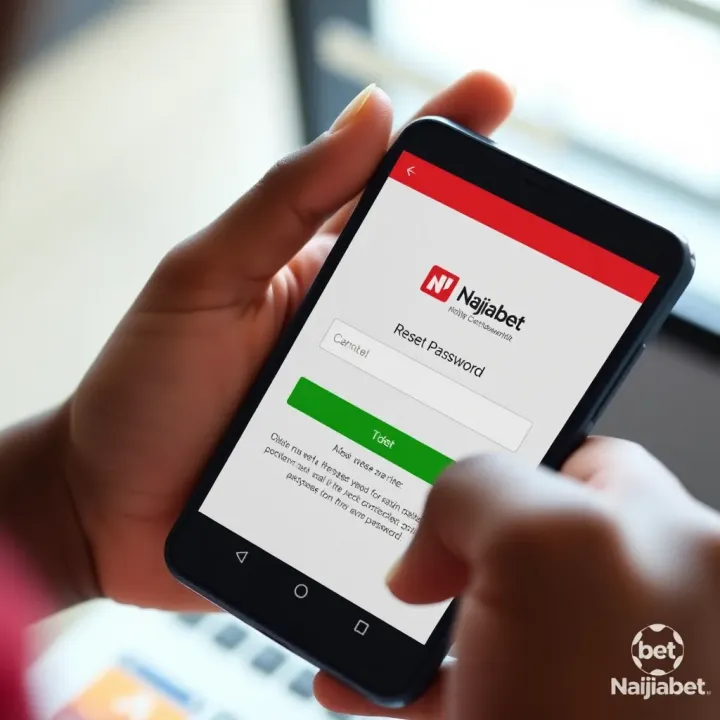
Need to reset your Naijabet password? 🔐 Follow clear steps for secure, quick recovery via website or app. Stay safe with top tips and solve any issues fast!

📝 Need help logging into your Naijabet account? Follow clear steps to access your betting profile safely, troubleshoot issues, reset passwords, and stay secure on any device.
🔑 Lost your Naijabet account? Learn quick ways to recover it, reset passwords, secure your details, and reach support easily for smooth betting play.
Based on 5 reviews