
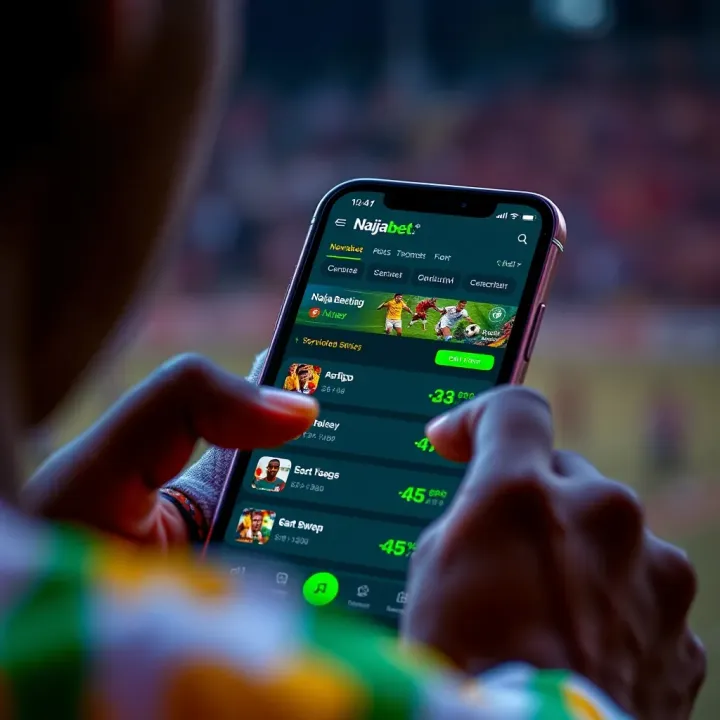
How to Register and Use Naijabet App in Nigeria
📲 Learn how to register, log in, and use the Naijabet app in Nigeria. Get tips to bet safely and enjoy seamless sports wagering on your phone today! ⚽
Edited By
Oluchi Maduka
For anyone keen on sports betting in Nigeria, Naijabet offers a practical platform with a dedicated app to enhance the experience. This app brings your favourite football matches, basketball games, and other sports right to your fingertips. But before you jump in, you need to know how to download and use it properly.
The Naijabet app is designed to work smoothly on most Android devices, which are common in Nigeria. The app isn't available on the Google Play Store due to policy restrictions around betting apps, so you’ll need to download the APK directly from the official Naijabet website. This means you must allow installations from unknown sources in your phone settings—just a one-time tweak to get started.
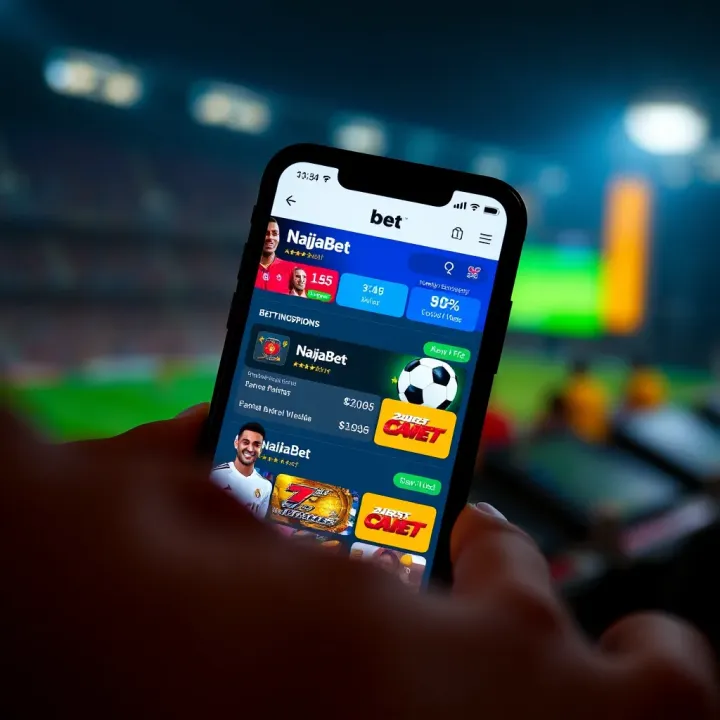
Once you’ve downloaded the APK file, installation only takes a minute or two, depending on your phone speed and internet connection. After installation, the app opens with a clean, user-friendly interface that makes navigation quick and simple, even if you’re new to online betting.
Keep in mind your device should have Android 5.0 or higher and at least 150MB of free storage space. Older phones or those with limited memory might experience lagging or crashes, so a smooth betting journey depends on these minimum requirements.
Safety should be your top priority. Only download the app from trusted sources to avoid fake APKs that might compromise your phone or personal data.
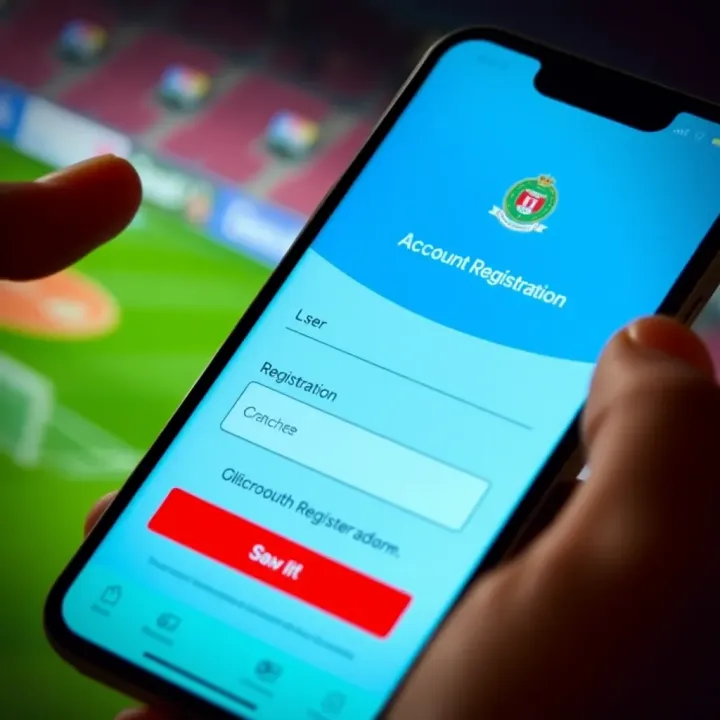
Starting up, create your account by inputting your basic details—full name, email, phone number, and preferred password. It usually takes less than five minutes. After that, you’ll verify your identity, often through an OTP (One Time Passcode) sent via SMS, keeping your account secure.
The app offers more than just betting; you get live match updates, easy deposit and withdrawal options with Nigerian banks, and access to bonuses and promotions tailored for Naijabet users.
Getting familiar with these initial steps—downloading, installing, and registering—is the foundation for a hassle-free experience on the Naijabet app. Let’s move on to explore its standout features and how to make the most of your betting.
Understanding Naijabet and how its app operates is key to making the most of your sports betting experience in Nigeria. This section explains why the platform stands out and how its mobile app brings convenience and efficiency to its users.
Naijabet is a prominent online sports betting platform that has gained substantial traction among Nigerian punters for its reliability and wide range of betting options. Founded with the intent to offer local bettors a user-friendly platform, it features events spanning football, basketball, tennis, and more. This popularity partly stems from its tailored approach to Nigerian sports lovers, including leagues from the Nigerian Professional Football League (NPFL) alongside international competitions.
An example of its local appeal is the inclusion of Nigerian football matches as a staple for betting markets, which many users find more engaging than foreign-only platforms. With its growing user base and consistent improvements, Naijabet has become a go-to app for those seeking a blend of quick access and trusted services.
The Naijabet mobile app offers distinct advantages over using the website directly on a mobile browser. It is optimised for Nigerian networks, which means faster load times and reduced data consumption — a big plus given frequent network fluctuations in parts of Nigeria.
Users enjoy seamless access to live betting options, allowing real-time wagering as matches unfold. For instance, if you follow the NPFL closely, you can place bets on goals scored in the second half without delays caused by web browser lag.
Other benefits include:
Instant Notifications: Get alerts about odds changes, promotions, or match outcomes directly on your phone.
Simplified Payments: Use local payment channels such as bank transfers via GTBank, UBA, or even mobile money options like OPay, making deposits and withdrawals straightforward.
Secure Environment: The app leverages encrypted connections, giving users peace of mind when handling sensitive data.
User-Friendly Interface: Designed with Nigerian users in mind, navigation is intuitive even for first-time bettors.
Using the Naijabet app reduces the hassle of repeated logins and ensures you don’t miss out on the fast-moving markets popular among Nigerian players.
Overall, the app not only makes placing bets easier but also enhances the entire betting experience by providing tools and features tailored to local preferences and technological conditions. This means you spend less time wrestling with your phone and more time enjoying the game and opportunities to win.
Downloading the Naijabet app safely protects you from scams, malware, and fake versions. In Nigeria's vibrant mobile betting scene, many users rush to install apps without checking sources, which risks personal data and funds. Following the proper download steps ensures a secure, smooth experience using the app for sports betting. Plus, a legit download reduces the chance of interruptions caused by faulty or outdated software.
The official Naijabet download link is the only safe option when getting the app. You can find it on Naijabet's verified website or trusted app stores. Avoid clicking random pop-ups or third-party websites offering Naijabet APKs, as these may contain harmful software. For example, downloading from Naijabet’s official site guarantees you get the latest version, fully tested and compliant with Nigerian digital security standards.
Another safe route is checking reputable Nigerian tech blogs or sports betting forums where Naijabet sometimes shares direct download links. Always double-check that the URL is correct and secure (look for HTTPS).
For Android users, downloading Naijabet involves a few clear steps. First, visit Naijabet's official site using your mobile browser. Locate the Android app download button and tap it to start the APK download. Before installing, you must enable "Install from Unknown Sources" in your device settings. This setting lets your phone accept apps not from Google Play Store.
Once downloaded, open the APK file and follow the prompts to install the app. Don’t forget to disable the unknown sources option afterward to keep your device safe from unwanted apps. This careful approach helps you avoid fake apps lurking online and ensures your data stays protected during installation.
Downloading Naijabet on iOS is more straightforward and secure due to Apple’s App Store safeguards. Simply open the App Store on your iPhone or iPad and search for Naijabet. Make sure the developer name matches the official company to avoid clones.
Tap to download and wait for the app to install automatically. If the app isn’t available in your region, you might have to adjust your App Store location, but always use official Apple guidance to avoid account issues. Once installed, launch the app and log in with your details.
Choosing the right source and method prevents security risks common in app downloads and maintains a quality betting experience.
Follow these steps closely, and you’ll be ready to enjoy all the features Naijabet offers without fuss or worry.
Getting the Naijabet app installed and properly set up is your first step to enjoying a smooth and secure sports betting experience on your mobile device. This stage is essential because, without correctly installing the app, you can face issues like slow load times, errors while placing bets, or problems with payment processing. Proper setup not only ensures the app runs efficiently but also protects your account and personal data.
Installing Naijabet differs slightly between Android and iOS devices but remains straightforward for both. For Android users, you’ll likely download the app directly from the Naijabet website since it may not be available on Google Play Store due to betting app restrictions. Before installation, ensure your device allows "Unknown Sources" installations through the Settings > Security menu. Once enabled, tap the downloaded APK file and follow the prompts to install.
On iOS, the process is more straightforward because the app is available on the Apple App Store. Simply search for "Naijabet," download, and install it like any other app. Make sure your device runs iOS 11 or later for compatibility. After installation on either device, restart the app to check it loads correctly.
Once the app is installed, setting up your account is the next step. Open the app and tap the "Sign Up" button. You’ll need to enter valid details such as your full name, phone number, email address, and create a secure password. It’s important to use real information here to avoid verification issues during withdrawals.
After registering, the login process is simple. Use your registered phone number or email along with the password. If you forget your password, the "Forgot Password" option lets you reset it via email or SMS. Naijabet also supports social media logins on some versions, which can speed up access without repeated credentials.
To get the best experience, check the app’s settings after logging in. You can tweak notifications so you get real-time alerts on match updates or promotions, which is handy during live betting. Setting your preferred currency to Nigerian Naira (₦) ensures your bets and winnings are displayed accurately without conversion confusion.
Additionally, check if the app lets you enable biometric login such as fingerprint or Face ID. This feature speeds up access while keeping your account secure. Finally, setting a daily bet limit within the app helps you manage your spending responsibly, a useful tool especially during busy sports seasons.
Proper installation and setup make a clear difference in how smoothly you can navigate betting options and secure your account on Naijabet. Don’t rush this step, especially since many users face avoidable problems simply due to skipping key setup tasks.
Taking these straightforward measures ensures you're ready to place bets confidently, enjoy faster updates, and keep your account safe from unauthorised access all through the Naijabet app.
Understanding the features and functionalities of the Naijabet app is key to getting the most out of your sports betting experience. This app is designed to give Nigerian punters easy access to a wide variety of betting options, real-time updates, and secure payment methods. These elements ensure that you can place bets conveniently and stay informed about your wagers without hassle.
Naijabet provides a vast selection of betting markets that cater to different preferences. Beyond the typical football matches, you can bet on basketball, tennis, volleyball, and even niche options like table tennis or eSports. For instance, during the Premier League season, the app offers bets on match outcomes, total goals, handicaps, and many special markets like first goal scorer or corner counts.
Additionally, the app supports accumulator bets, which allow you to combine several selections for higher potential returns. This diversity means you can customise your betting strategy depending on your knowledge and risk appetite.
A standout feature of the Naijabet app is its live betting capability. You can place bets while matches are ongoing, with odds adjusting dynamically based on the flow of the game. For example, if a team scores early, the odds for a comeback shift quickly, giving you a chance to take advantage of timely opportunities.
The app also delivers real-time updates such as scores, match events (like red cards or penalties), and time elapsed. This keeps you informed without needing to switch away to other sources. These features are especially useful for punters who enjoy the thrill of in-play betting or want to track their wagers closely.
Naijabet supports multiple payment options tailored for Nigerian users. You can fund your account through bank transfer from popular Nigerian banks like GTBank, Zenith, or Access Bank. Additionally, options like USSD codes, and mobile wallets such as OPay and PalmPay, provide fast and reliable alternatives.
Withdrawals are simple and typically processed within 24 to 48 hours, depending on the method. The app’s interface guides you through entering your bank details securely. It’s essential to ensure your Bank Verification Number (BVN) matches your account to avoid delays.
Tip: Always verify your account before attempting withdrawals to ensure smooth transactions.
In summary, the Naijabet app offers a user-friendly platform loaded with betting markets, live updates, and convenient payment options that suit the Nigerian betting scene. These features combined create an efficient and engaging betting experience for users across the country.
Navigating the Naijabet app generally offers a smooth betting experience, but like any app, users may face occasional glitches or hiccups. Understanding common challenges and how to troubleshoot them is vital for Nigerian bettors to avoid downtime and protect their bets. This section highlights practical solutions to typical issues, helping you stay on track without frustration.
Sometimes, installing the Naijabet app on your Android or iOS device may hit a snag. For instance, older smartphones might not support the latest app version, leading to crashes or failure to install. To fix this, first check your device’s system requirements—Naijabet usually needs Android 6.0+ or iOS 11+. If your phone is below this, consider updating your OS or using the web platform via your mobile browser.
Another common problem occurs when the installation file becomes corrupted. In such cases, delete any partially downloaded files and redownload the app using the official source. Avoid third-party sites that offer cracked versions, as these can lead to errors or security risks.
Also, enabling installation from 'Unknown Sources' on Android is essential since Naijabet’s APK isn’t always on the Google Play Store. Go to your phone’s settings and allow app installations from unknown sources carefully, but remember to disable this after installing to guard your device.
Login troubles often come from incorrect credentials or internet connectivity issues. Double-check your username and password, and try resetting your password via the app if you're locked out. Naijabet may restrict access after multiple failed attempts to prevent fraud, so wait a few minutes before retrying if this happens.
In cases of forgotten email or username, check your registered phone number or email for account recovery options. Poor network can also prevent login; ensure your internet signal is stable, whether on mobile data or Wi-Fi.
If you suspect your account has suspicious activity or is blocked, do not try to bypass restrictions. Instead, contact Naijabet support for help.
Knowing when to reach out to support can save you time and keep your betting safe. Contact Naijabet support when issues persist beyond common fixes—such as unresolved login blocks, payment failures, or account verification delays.
Naijabet offers live chat and email support. Use live chat for urgent problems like transaction glitches or app crashes, as it usually yields quicker responses. For less urgent matters, email support allows detailed explanations with attached screenshots.
Have your account details ready before contacting support to speed up verification. Remember, authentic support channels avoid asking for your password or PIN. If such requests come through other means, treat with suspicion to avoid scams.
Tip: Always update your app to the newest version to reduce bugs and security issues, which often eliminate many common challenges.
By mastering these troubleshooting tips, you’ll give yourself a better chance to enjoy seamless use of Naijabet’s app, making your online betting hassle-free and more enjoyable.
📲 Learn how to register, log in, and use the Naijabet app in Nigeria. Get tips to bet safely and enjoy seamless sports wagering on your phone today! ⚽
📱 Discover how to download, secure, and use the Naijabet app on your iPhone in Nigeria ✅ Learn payment methods, optimise mobile data, and get customer support tips today!
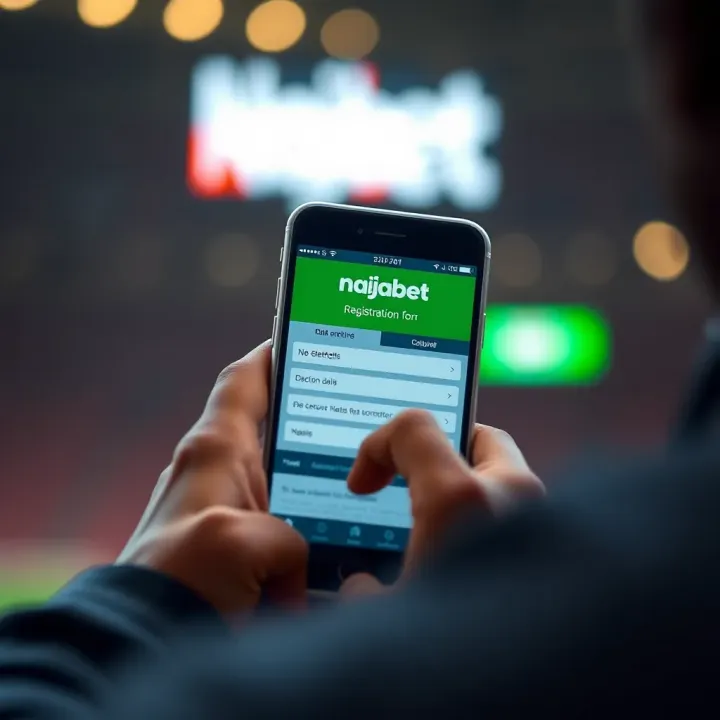
🎲 Learn how to open your Naijabet account step-by-step with ease. Get verified, fund using Nigerian payment methods, and start betting confidently today! ₦
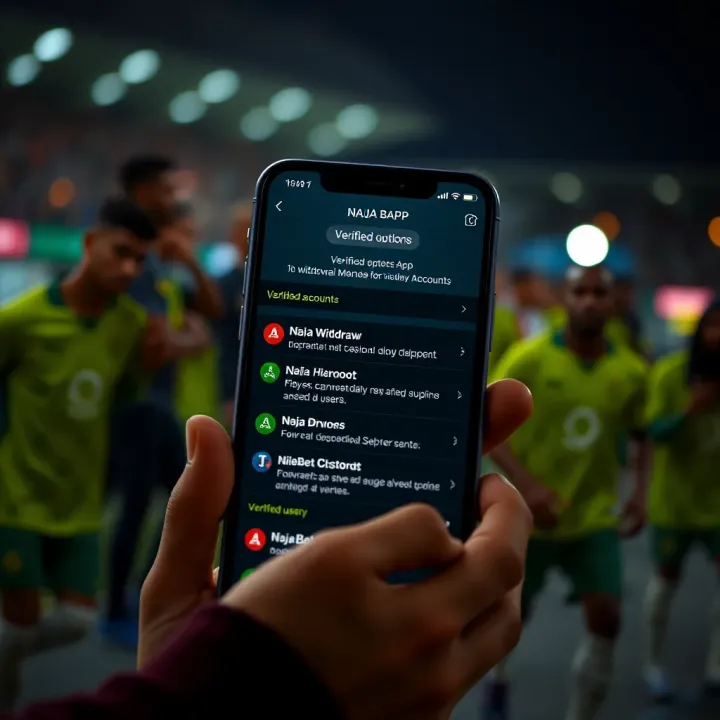
Withdraw your winnings from NaijaBet app with ease 💵. Learn secure steps for verification, cashout options, and how to avoid common withdrawal issues in Nigeria 🇳🇬.
Based on 9 reviews