
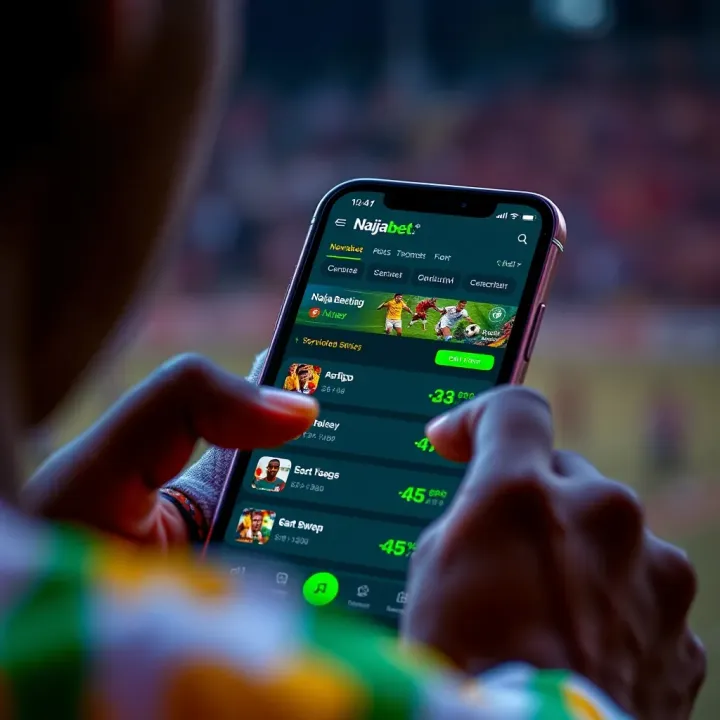
How to Register and Use Naijabet App in Nigeria
📲 Learn how to register, log in, and use the Naijabet app in Nigeria. Get tips to bet safely and enjoy seamless sports wagering on your phone today! ⚽
Edited By
Fola Balogun
Accessing Naijabet on a PC opens up a smoother, more comfortable betting experience compared to small screens. Nigerian users often prefer larger displays for checking multiple games, analysing odds, and placing bets without the hassle of constant scrolling.
Before you get started, it’s essential to understand the core steps and system requirements to ensure your PC can run the app efficiently. Naijabet does not offer a direct Windows or macOS app like some other platforms, but there are practical methods to use it on your computer.
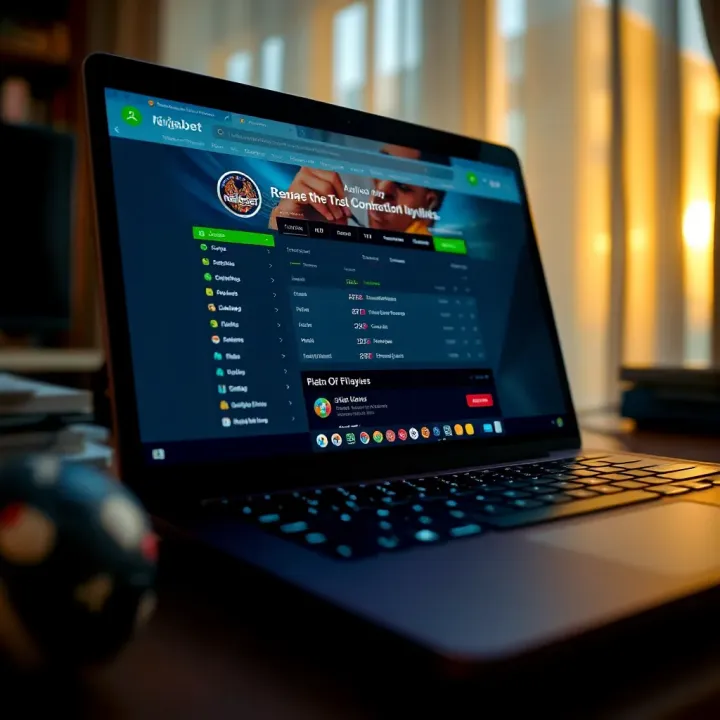
The most straightforward option is using your browser to visit the Naijabet website, which is fully optimised for desktop use. This gives you near-app functionality without installation or extra storage demands.
For those wanting an app-like interface on PC, you can run the Naijabet Android app through an emulator like BlueStacks or Nox Player. This approach lets you experience the native app environment, though it demands better PC specs and some setup.
Here are key system requirements to keep in mind if opting for an emulator:
Processor: At least Intel i3 or equivalent
RAM: 4GB minimum (8GB recommended)
Storage: Minimum 5GB free space
Operating System: Windows 7 and above or macOS 10.12+
Using the browser or emulator each has pros and cons for Nigerian users. Browsers save space and run smoothly on most systems, but emulators provide a more authentic app feel with native features. This guide will walk you through configuring and using either method safely.
Remember, keeping your device software up to date and using secure connections help protect your betting activities against hacks and fraud.
Placing bets on a PC also allows you to multitask, like catching a Super Eagles match on one window while tracking live betting odds on another. This practical advantage saves time and reduces errors.
With these basics in place, you’re better equipped to decide the best way to engage Naijabet from your PC for a more enjoyable gambling experience tailored to Nigerian bettors’ needs.
For many Nigerian punters, understanding how Naijabet works on a PC is quite helpful. While mobile apps dominate betting activities, a PC offers a wider screen, better control, and often a more stable internet connection. Knowing the ways to access Naijabet on your computer can improve your betting experience, making it easier to follow live matches, track multiple bets, or manage your account efficiently.
Naijabet is a well-known Nigerian sports betting platform with a focus on simplicity and sportsbook variety. It offers live betting, pre-match bets, virtual sports, and casino games. Popular features include real-time score updates, flexible bet options like accumulators and singles, plus in-play cash-out features. For instance, a football lover might place a bet on the Nigerian Professional Football League while following live stats through the app or a PC browser.
The simplest way to use Naijabet on a PC is through its web platform. You just open your preferred browser like Chrome or Firefox, visit the official Naijabet website, and log in. This option doesn't require installation and gives immediate access to all the sportsbook features. For many Nigerians, especially those who prefer a clutter-free setup without extra apps, this method is practical. It works well on both laptops and desktop computers with internet access.
If you want the mobile app experience on your PC, installing an Android emulator is a solid choice. Emulators like BlueStacks or Nox Player create a virtual Android environment on your Windows or Mac computer. You can then download and run the Naijabet app from the Google Play Store within the emulator. This is useful if you prefer the app interface or want to test newer features before they appear on the web. However, it needs a decent PC setup and some storage space. For example, a Lagos-based punter may choose this route to enjoy the lightweight Naijabet app on a bigger screen.
Currently, Naijabet does not offer a dedicated PC application downloadable directly for Windows or Mac. Users looking for an official standalone app must rely on the web platform or emulators. Keeping this in mind helps avoid unofficial or fraudulent software claiming to be Naijabet for PC. The best approach remains accessing Naijabet through its official website or trusted Android emulators.
Whether you use the web or emulator, knowing your options ensures safer and smoother betting experiences on Naijabet with your PC.
This clarity on accessibility ties directly into choosing the best method fit for your setup and preferences, which will be explored in the following sections.

Using Naijabet smoothly on your PC begins with understanding the system requirements and following the right setup process. This step ensures your betting experience is hassle-free, fast, and secure. Since betting involves real money, delays or crashes caused by weak hardware or poor configuration can mean missed opportunities or frustration.
At a minimum, your PC should have a dual-core processor running at 2.0 GHz or higher, 4 GB of RAM, and at least 500 MB of free storage. These specs allow basic operation of Naijabet’s app within an emulator without constant lag or crashes. However, for a more fluid experience — especially if you like switching between live matches — a quad-core processor, 8 GB RAM, and 2 GB free storage is recommended. A stable internet connection of at least 5 Mbps complements the hardware to keep your bets timely.
Most modern laptops and desktops easily meet these standards. For example, a common Nigerian tokunbo laptop with an Intel Core i5 processor and 8 GB RAM is well suited for this purpose. But older machines, especially those with less RAM or slower processors, may struggle to run the app smoothly.
Since Naijabet doesn't have an official PC app, the easiest way to access it is through an Android emulator like BlueStacks or Nox Player. These programmes simulate an Android environment on your PC, allowing mobile apps to run as if on your phone. To start, visit the official BlueStacks or Nox Player website, download the latest version compatible with your PC, and follow the installation prompts. The installers are straightforward, similar to installing any Windows software.
After installing the emulator, launch it and open the Google Play Store within. Use your Google account to sign in, then search for the Naijabet app. Download and install it just like you would on your phone. Once installed, you can open Naijabet within the emulator, login with your details, and place bets. This method offers the advantage of a larger screen and more precise navigation using a mouse and keyboard.
Sometimes, the emulator may not install properly due to conflicts with existing software or insufficient system resources. If the installation fails halfway, check if your PC meets the minimum specs and try running the installer as an administrator. Also, ensure virtualisation technology is enabled in your PC's BIOS settings, as emulators rely on this for better performance.
If Naijabet app crashes or won’t open in the emulator, clear the emulator's cache or reinstall the app. Keeping your graphics drivers updated also helps avoid display glitches. Lastly, if errors persist, try switching to a different emulator; BlueStacks and Nox have slightly different compatibility profiles.
Remember, following these setup steps carefully reduces downtime and makes your Naijabet experience on PC more enjoyable and reliable.
By meeting these system requirements and following proper installation procedures, you position yourself for a smooth and responsive betting journey — just what you need to catch all the action without missing a beat.
For Nigerian punters, choosing between the Naijabet mobile app and the PC platform can significantly affect betting comfort and efficiency. Understanding how the experience differs helps you decide which device suits your style, whether you’re at home, at a cybercafe, or on the go.
The mobile app is designed for quick, thumb-friendly navigation. Menus are compact, and touch gestures like swipes simplify browsing. On the other hand, the PC version offers a broader layout with more information visible at once, which is great for users who prefer mouse clicks and larger screens. For instance, when monitoring multiple live events, a PC screen allows side-by-side viewing without constant switching, which isn’t as smooth on smaller mobile screens.
PCs, especially those with decent specs, typically run Naijabet faster due to stronger processors and stable internet connections via Ethernet or reliable Wi-Fi. Mobile devices might face slowdown during peak traffic or with weak signals, affecting live betting where milliseconds count. Also, on PC, you can run other tools or browser tabs alongside the app to check stats or news, offering a richer experience without the risk of app crashes common on older phones.
Using a PC for Naijabet brings multiple benefits. Firstly, the comfort of a larger keyboard speeds up inputting bets and passwords, while a mouse helps precise clicking without fat-finger errors typical on mobile. Secondly, multi-tasking is easier—you can have the Naijabet platform open with spreadsheets or WhatsApp groups discussing games simultaneously. Lastly, the PC setup can stay on longer with less battery worry compared to phones, allowing for longer, uninterrupted betting sessions during major tournaments.
Remember, while the mobile app offers mobility and convenience, opting for PC usage improves control and multitasking, especially for serious bettors tracking multiple markets.
Choosing the right platform is about matching convenience with control. You might find hopping between both devices according to situation works best. Either way, knowing these differences sharpens your betting strategy and enjoyment on Naijabet.
Security and privacy are fundamental when using Naijabet on a PC, especially considering the sensitive personal and financial data involved in online betting. Nigerian bettors often face multiple online threats, including scams and data breaches. Protecting your account and information helps prevent unauthorised access, financial loss, and identity theft.
To stay safe, always download or access Naijabet through official channels. The safest way is visiting Naijabet's verified website or trusted app stores. Beware of third-party sites claiming to offer Naijabet downloads – many are phishing fronts or distribute malware designed to steal login details or banking info.
One Nigerian bettor reported losing ₦50,000 after unknowingly entering his credentials on a fake site resembling Naijabet. Scammers often use similar logos, URLs with minor spelling changes, or aggressively push supposed "bonus" offers via unsolicited messages. When in doubt, cross-check the source by comparing URLs or contacting Naijabet’s official customer service.
Using secure, recognised payment options is key to protecting your money. Naijabet supports methods like card payments through verified gateways, bank transfers via Nigerian banks, and some mobile wallets known for security, such as OPay and PalmPay.
It is wise to avoid direct transfers to unknown accounts or sharing your Bank Verification Number (BVN) unnecessarily, as these can expose you to fraud. Always confirm that payment portals display security certificates (SSL) evidenced by a padlock icon in your browser’s address bar.
Beyond payment, ensure your password is strong and unique. Using two-factor authentication (2FA) where possible adds another layer of security. Regularly monitor your betting and bank statements for unauthorised transactions.
Your PC's safety greatly influences your overall security on Naijabet. Keep your operating system and antivirus software up to date to ward off malware and viruses. Avoid using public Wi-Fi networks when logging into your betting account since such networks can be insecure and prone to interception.
Whenever you finish a session on Naijabet, log out instead of just closing the browser or emulator. This prevents someone else from accessing your account if they gain physical access to your PC.
Lastly, consider installing trusted ad-blockers and pop-up blockers. Some scam ads mimic betting offers but lead to malicious sites. These simple steps help minimise risks and ensure your betting remains safe and private.
Nigerian bettors stand to lose both money and data when security is overlooked. Playing it safe online starts with recognising genuine sources, using secure payments, and maintaining PC hygiene.
Getting the most from Naijabet on your PC means paying attention to a few key areas. Whether you’re a seasoned punter or just starting out, fine-tuning your setup and approach can give you smoother navigation, better betting decisions, and a faster payout process. Let’s break down some practical tips.
A reliable internet connection is fundamental for seamless betting, especially with live events. If your home internet is slow or unstable, try connecting via Ethernet cable instead of Wi-Fi to reduce lag. For those in areas with inconsistent broadband, consider using your phone's mobile data as a hotspot but monitor data use closely to avoid extra charges.
Adjust your PC settings to enhance performance: close unnecessary background applications to free up RAM and CPU power, disable browser extensions that aren’t essential, and keep your operating system updated. For example, a punter using a tokunbo laptop might disable visual animations or switch to less demanding browser versions to maintain smooth operation during crucial match moments.
Naijabet often runs exclusive promos for desktop users, like higher odds or extra bonuses on selected matches. Always check the promotions tab regularly and subscribe to Naijabet’s mailing list or app notifications to catch fresh offers promptly. For instance, during the ember months when football leagues intensify, Naijabet may offer boosted odds or cashback bonuses, giving bettors extra value.
Using the PC for betting also makes managing bonus terms easier because you can open multiple tabs to read the conditions while placing your bets. Make sure you understand the wagering requirements before activating any bonus to avoid disappointment when withdrawing winnings.
A PC’s larger screen and multi-window capabilities help you track multiple bets and markets concurrently. Use spreadsheet software or simple note-taking apps to log your wagers, outcomes, and ROI (return on investment). This habit is invaluable for identifying profitable strategies or spotting patterns over time.
Additionally, take advantage of Naijabet’s bet history and stats features to review your past performance. If you frequently bet on football, for example, tracking which leagues or bet types yield the best results can shape more informed choices moving forward.
By optimising your connection, making full use of promotions, and carefully managing your bets, you turn casual play into a strategic advantage on Naijabet. A little effort here can mean smoother play and better returns.
Implement these tips to enhance your betting experience on PC, keeping it efficient, safe, and more rewarding in the long run.
📲 Learn how to register, log in, and use the Naijabet app in Nigeria. Get tips to bet safely and enjoy seamless sports wagering on your phone today! ⚽
📱 Discover how to download, secure, and use the Naijabet app on your iPhone in Nigeria ✅ Learn payment methods, optimise mobile data, and get customer support tips today!
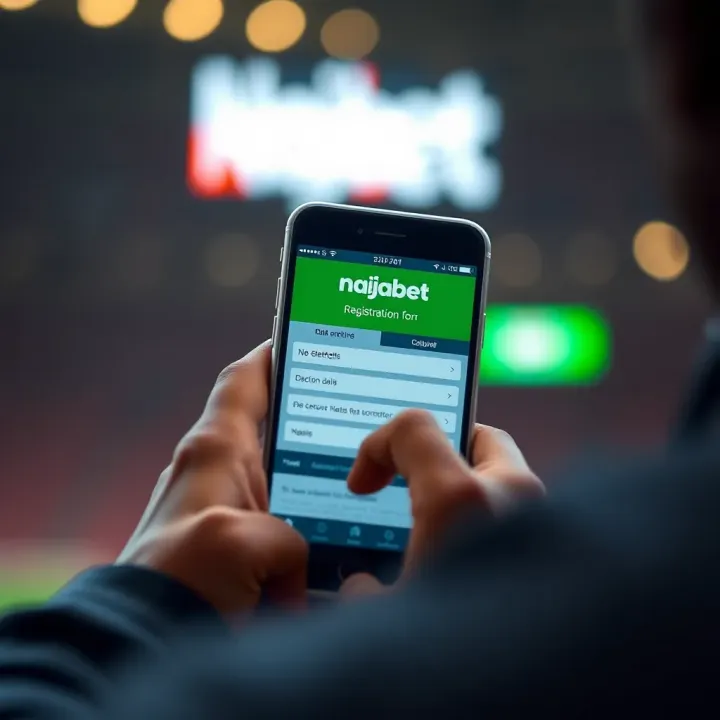
🎲 Learn how to open your Naijabet account step-by-step with ease. Get verified, fund using Nigerian payment methods, and start betting confidently today! ₦
Withdraw your winnings from NaijaBet app with ease 💵. Learn secure steps for verification, cashout options, and how to avoid common withdrawal issues in Nigeria 🇳🇬.
Based on 10 reviews